Screenshot English. Remember it. That's the whole app.

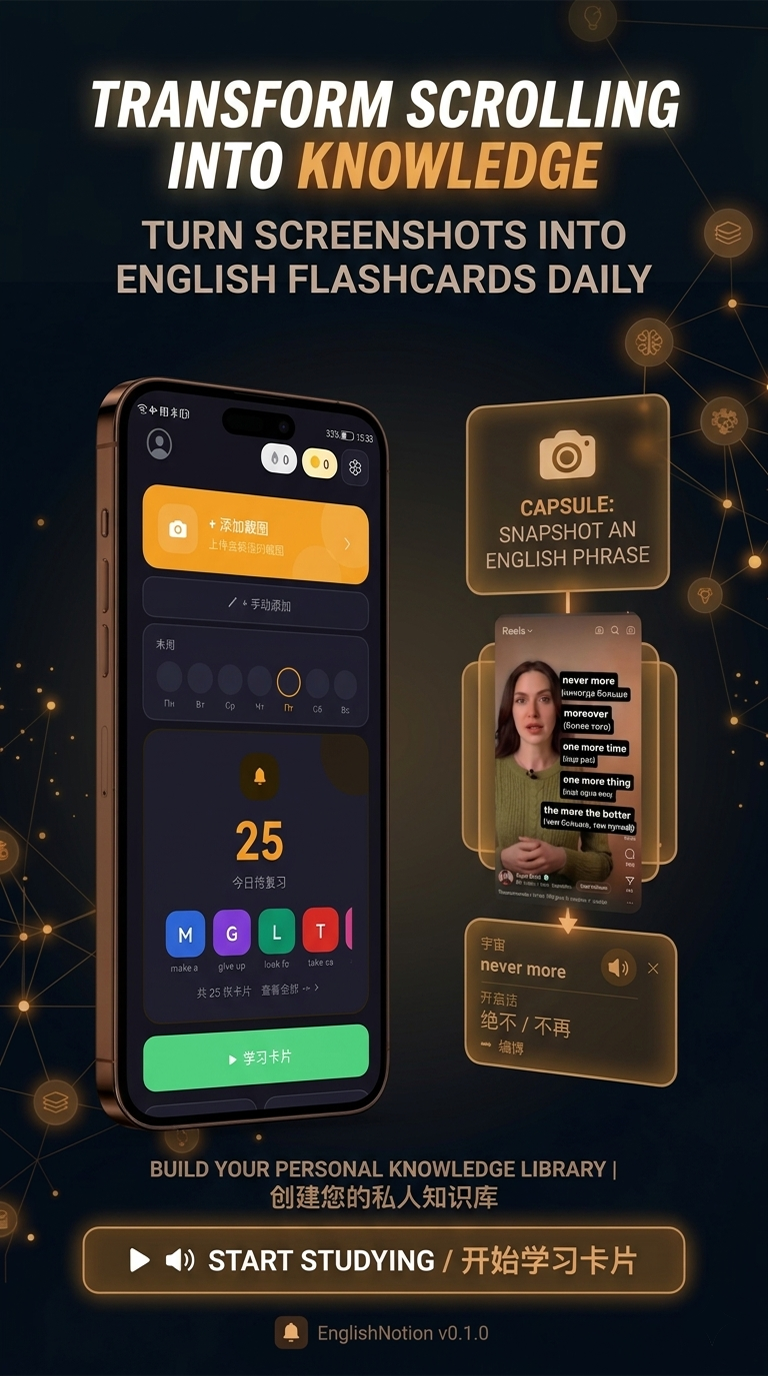
You do one thing — take a screenshot. English Notion does the rest, turning any English you meet into vocabulary that actually sticks.

Four steps, one screenshot of effort

📸

1 · Capture

Screenshot any English — a caption, subtitle, game line, post or comment — and share it to English Notion.

🔍

2 · Read

OCR pulls the exact words out of the image automatically. No typing, no copy-paste.

🤖

3 · Understand

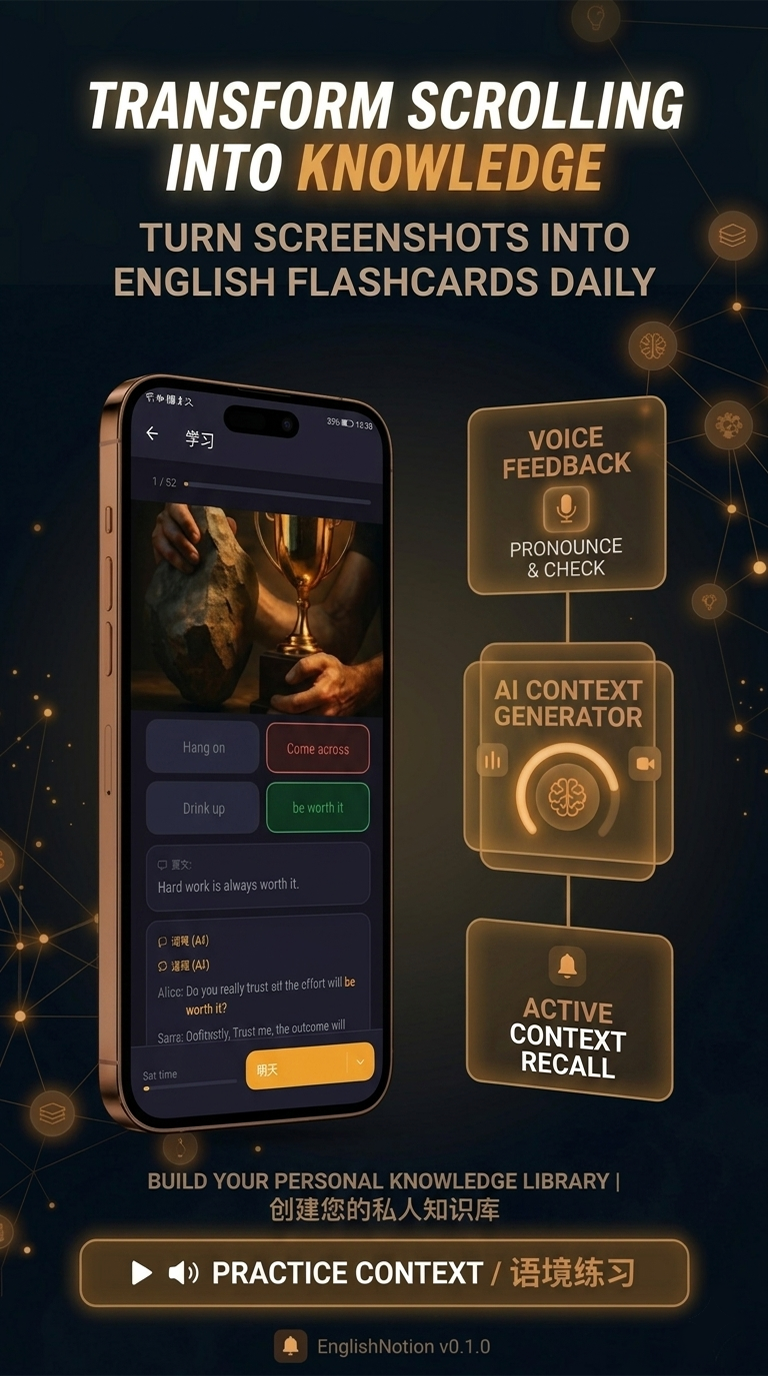
AI translates the phrase and explains how it's really used, with natural examples.

🧠

4 · Remember

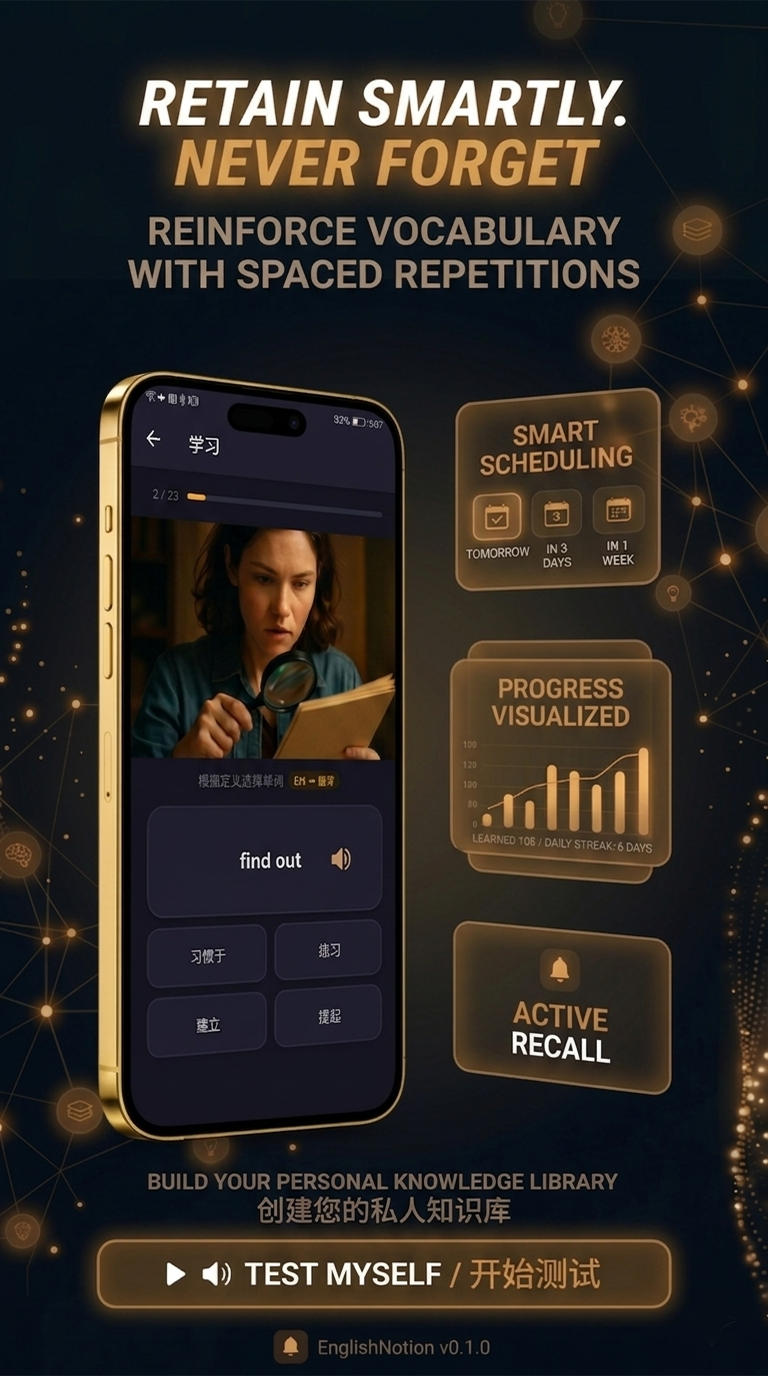
It becomes a flashcard, and spaced repetition brings it back right before you'd forget.

OCR and AI do the boring part

The friction of learning from real content is copying words down and looking them up. English Notion removes it entirely.

  • OCR reads English from any screenshot
  • AI translation into your language
  • Context and natural example sentences
  • Works with any app on your phone
Explore English Notion

The part that makes it actually stick

Capturing words is easy. Remembering them is the hard part — so that's where English Notion works hardest.

🔁

Spaced repetition

Each word is reviewed right before you'd forget it — the proven way to build lasting vocabulary.

📂

Your vocabulary library

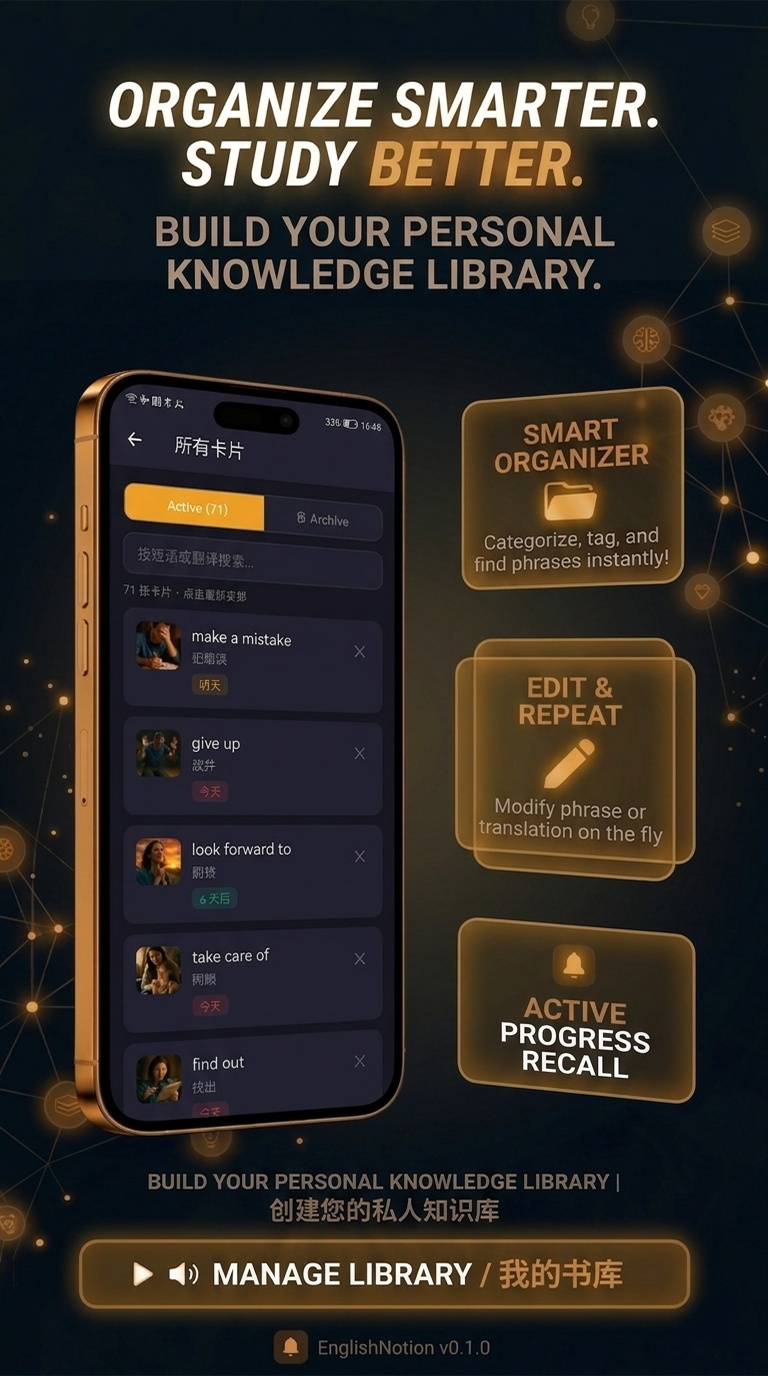
Every captured word lives in one place, where you can edit translations and organize phrases.

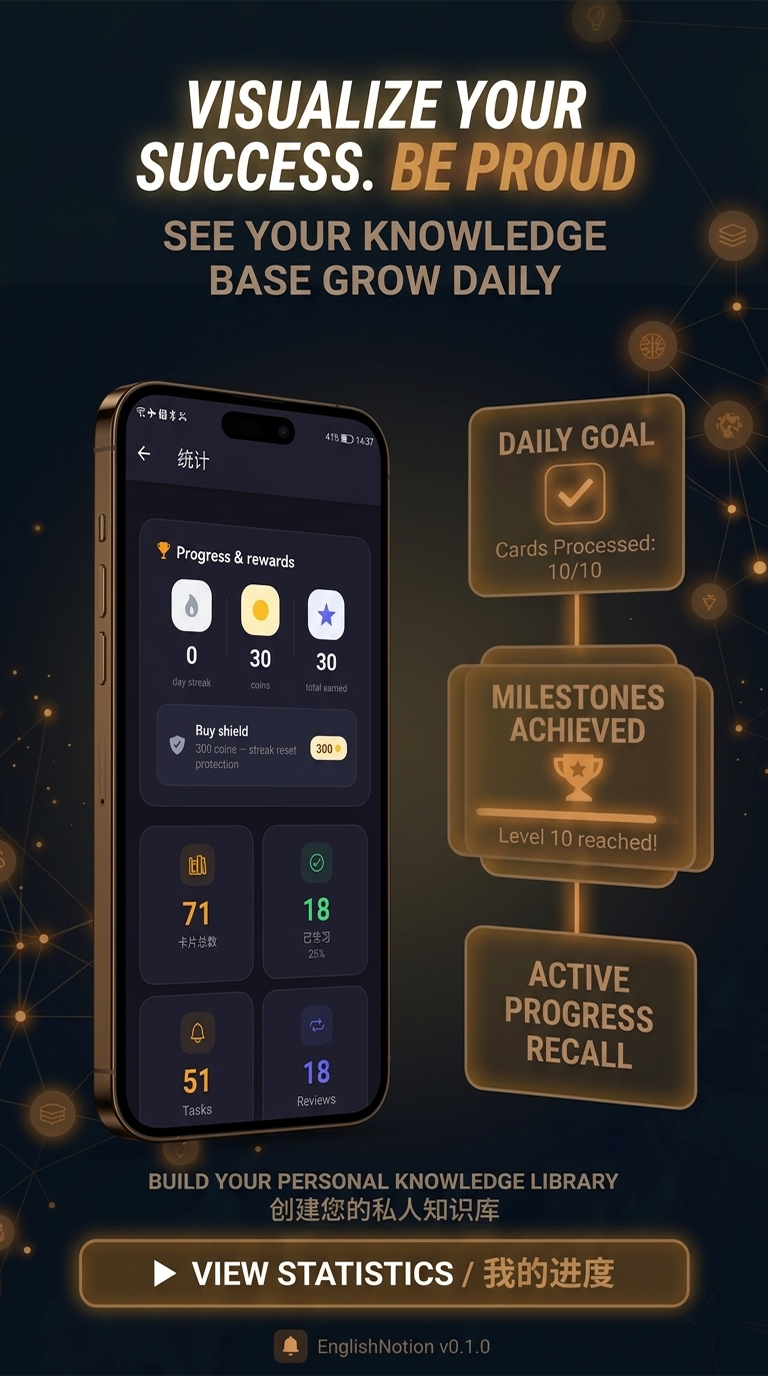
📈

Progress & streaks

See your vocabulary grow, keep a daily streak, and stay motivated as it adds up.

See it for yourself.

Free on Google Play. The next English word you screenshot is one you'll actually remember.