"I had 500 screenshots of English words and learned zero. English Notion turned them into flashcards — and now I actually review them."
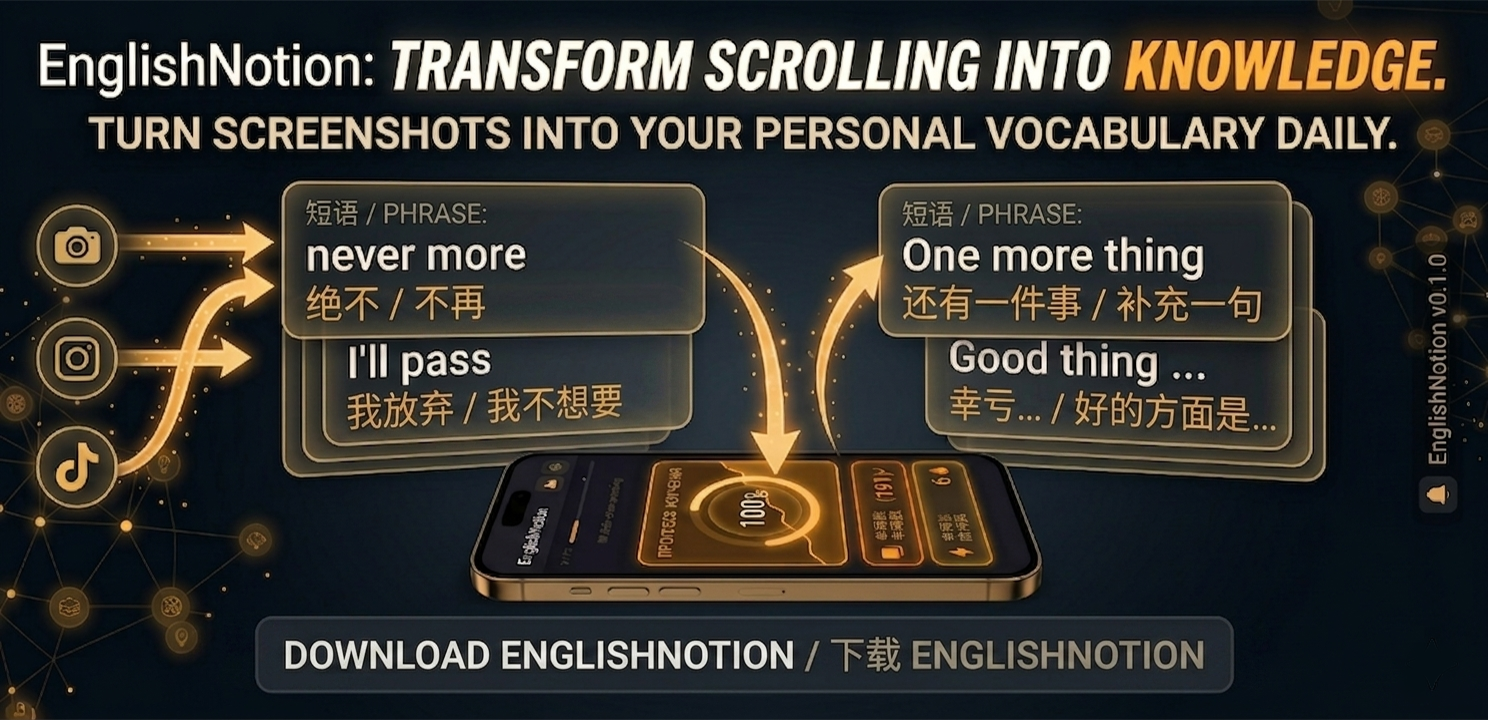
That folder of screenshots full of English words? It's a vocabulary list waiting to happen. English Notion turns every screenshot into a flashcard you'll actually remember.
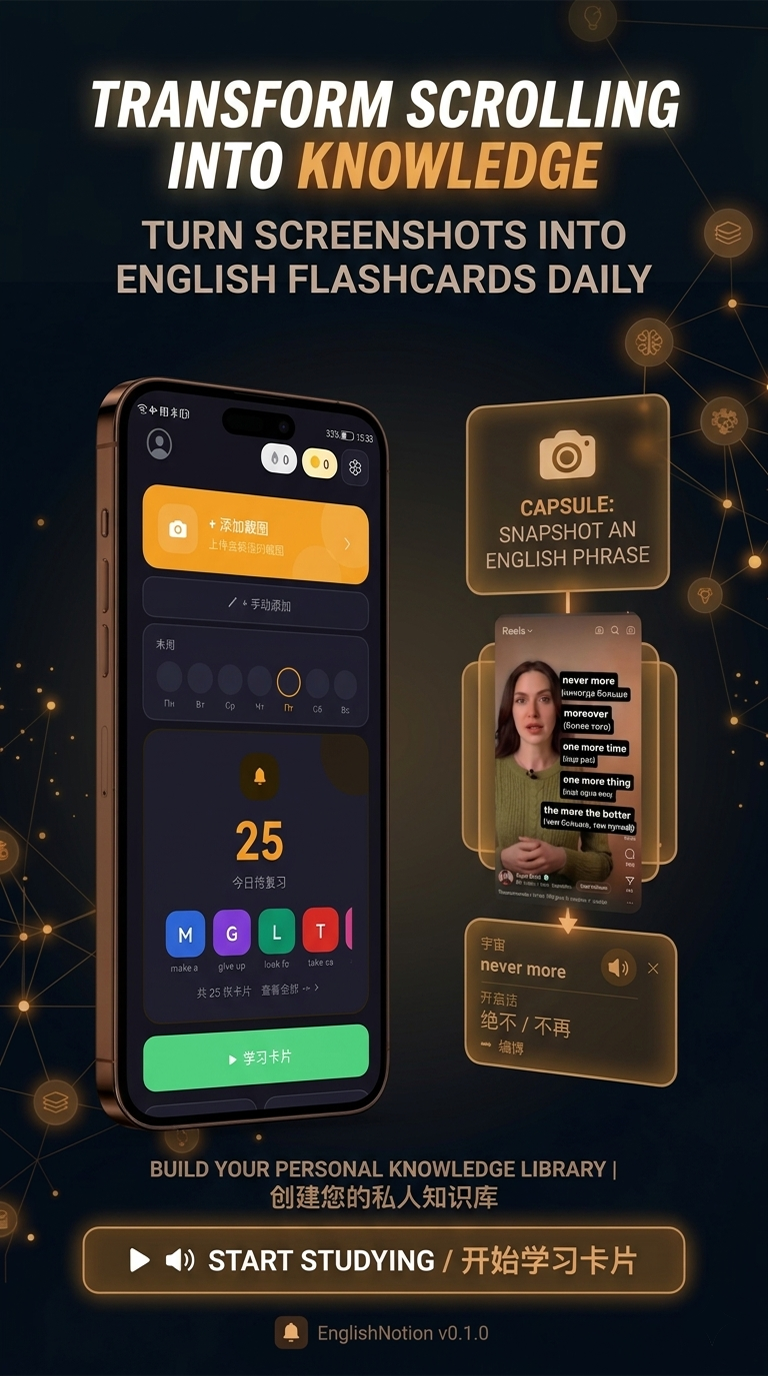
Screenshots are how everyone already saves the words they want to remember. The problem is nobody goes back to them.
No typing, no copy-paste — screenshot English anywhere and you've captured it.
English Notion pulls the exact text out of the image automatically.
Your camera roll turns from a graveyard into an active vocabulary deck.
"I had 500 screenshots of English words and learned zero. English Notion turned them into flashcards — and now I actually review them."
Screenshot English anywhere, share it once, and let English Notion handle the rest.


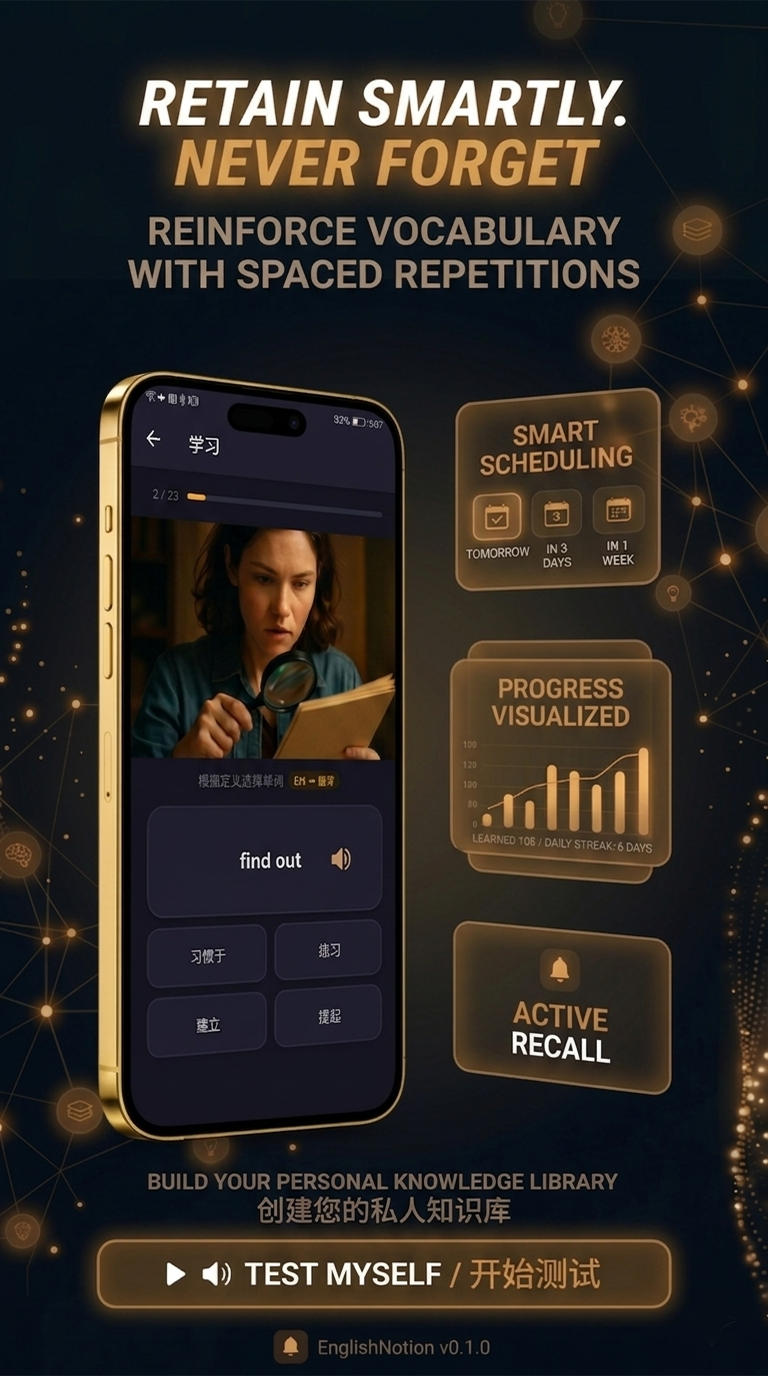
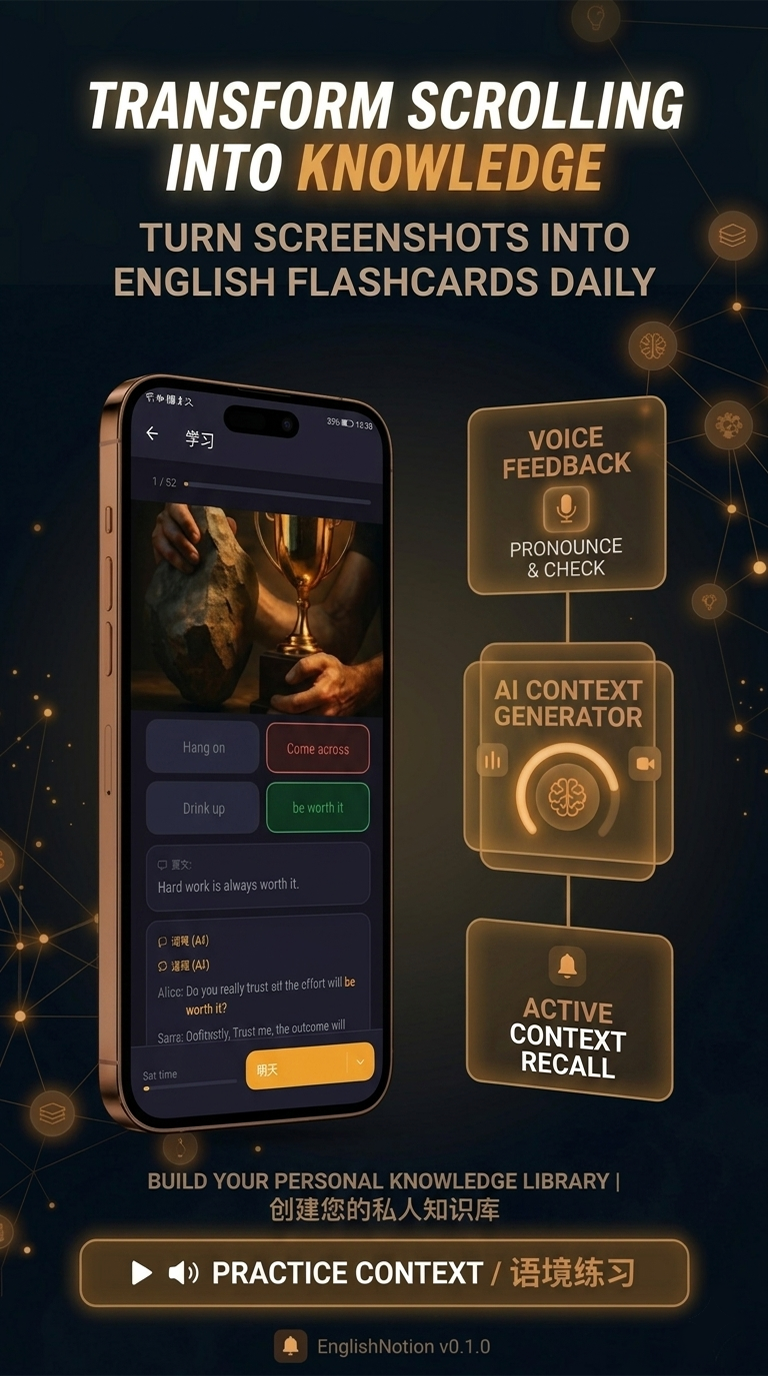
Screenshot any English text and share it to English Notion. It uses OCR to read the words, AI to translate and explain them, and spaced repetition to make them stick.
English Notion is built specifically for this — OCR, AI translation and spaced repetition in one place, with no manual typing.
Yes — the OCR extracts English text from any screenshot, whatever app it came from.
Share them to English Notion too — that backlog of saved English becomes an instant vocabulary deck.
Free on Google Play. Every screenshot of English is a word waiting to be learned.